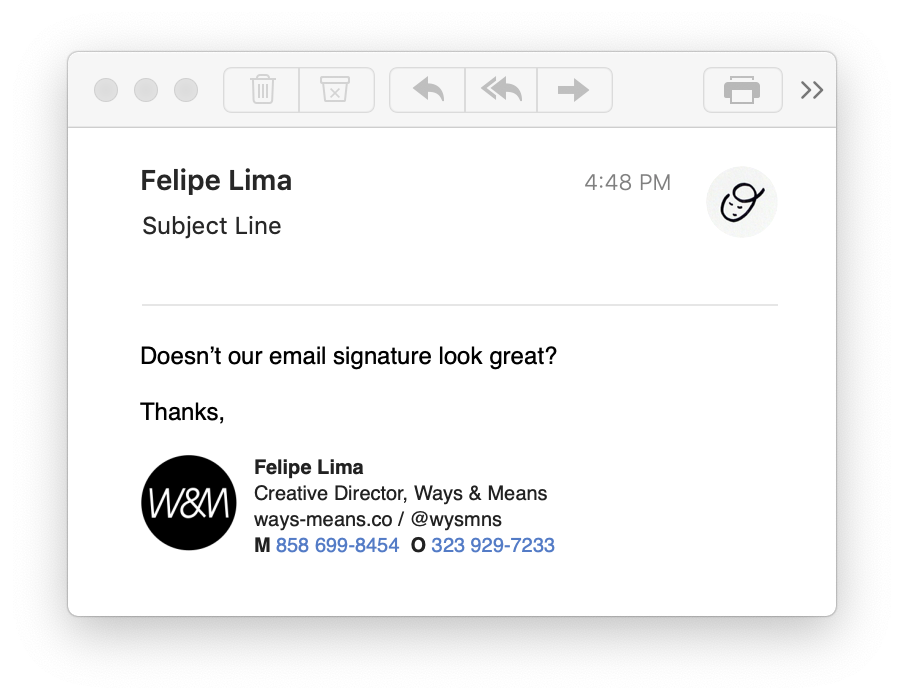
The following guides give instructions on how to correctly apply your Ways & Means signature to outgoing mail and configure the built-in autoresponder functions in your email client whether you compose using Gmail, the default macOS Mail app, or the iOS Mail app.
***Correctly Formatted Signature***
<aside> ⚠️
Please note, a very specific combination of browsers is required to ensure consistent formatting. Please read the instructions below carefully. Depending on your use case, Google Chrome may be required — download and install it if necessary.
</aside>
Email Signature
Please append our custom signature to your email correspondence when working from Ways & Means.